
table of contents
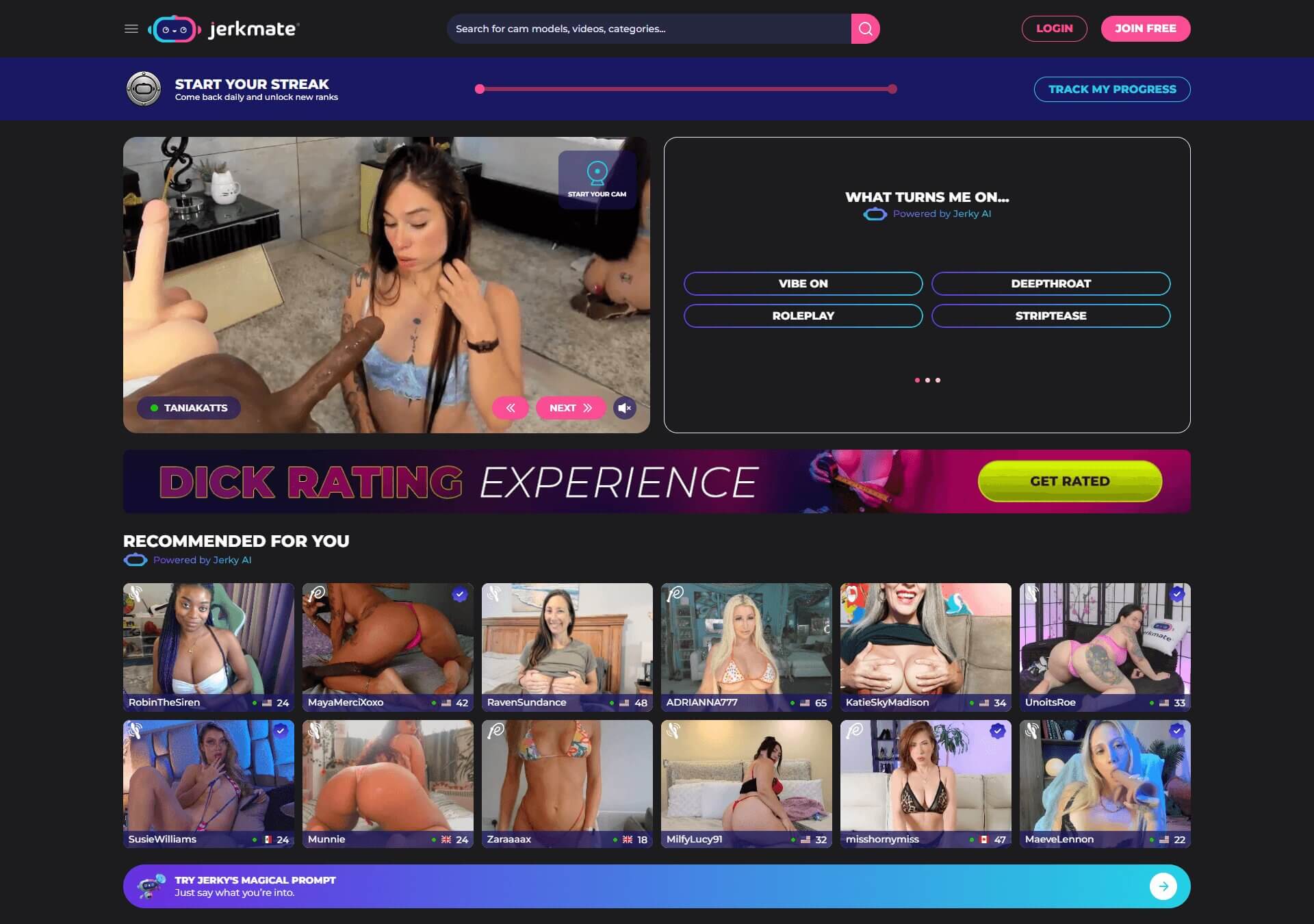
Jerkmate is a live adult cam platform where you can find performers who are online, watch live streams, chat, send tips, and access paid show options. You can start by browsing who’s live and decide whether you want to interact.
This beginner’s guide explains how Jerkmate works in 2026, from setting up an account and finding models to understanding Gold, live shows, paid features, and the basics of using the platform safely.
What Is Jerkmate?
Jerkmate is an adult live-cam platform that connects users with performers streaming in real time. Depending on what’s available in a performer’s room, users can watch the stream, participate in chat, send tips, or choose paid show options.
The platform features women, men, couples, and trans performers, with categories and filters that help narrow down who’s currently online.
For a first-time user, the basic Jerkmate experience can be broken down into three steps:
- Find a model: Browse who’s live and use categories, search, filters, or your preferences to narrow down the available performers.
- Join a live room: Open a model’s stream to see the public show and the interaction options available in that room.
- Choose whether to pay: If you want to go beyond the free experience, Gold is used for tipping and certain paid interactions, while other paid options may be available depending on the performer.
See who's live and explore the available categories
How to Create a Jerkmate Account and Get Started
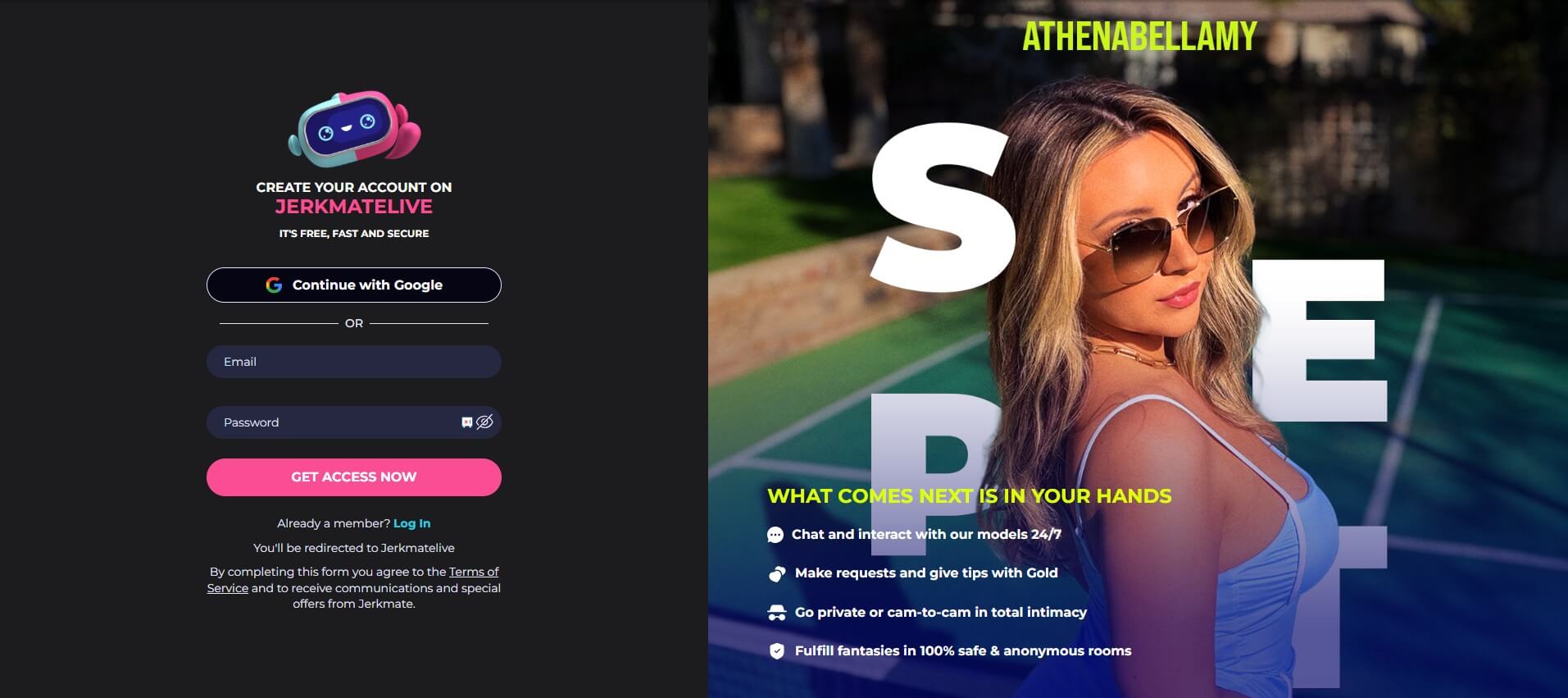
Creating a Jerkmate account is free. From the Jerkmate homepage, select Create My Account to begin registration.
You can sign up with a Google account or create an account using an email address and password. Once your account is set up, you can adjust your preferences to narrow down the performers shown to you.
Jerkmate asks you to add a credit card during account setup. According to Jerkmate, adding the card doesn’t automatically charge you, purchase Gold, or start a subscription. A charge occurs when you choose to purchase Gold or confirm a paid transaction.
Once your account is set up, you can browse live performers, watch public cams, and use public chat without purchasing Gold.
For step-by-step registration instructions, see our How to Join Jerkmate guide.
Free, Paid, and Interactive Features on Jerkmate
Creating an account doesn’t mean you have to pay for every part of Jerkmate. You can start with a free account, while Gold and other paid options come into play when you want to use specific features or interact more directly with a model.
Here are some of the main features you’ll encounter:
| Feature | How it works |
|---|---|
| Browse live models | Browse performers who are currently online without spending Gold |
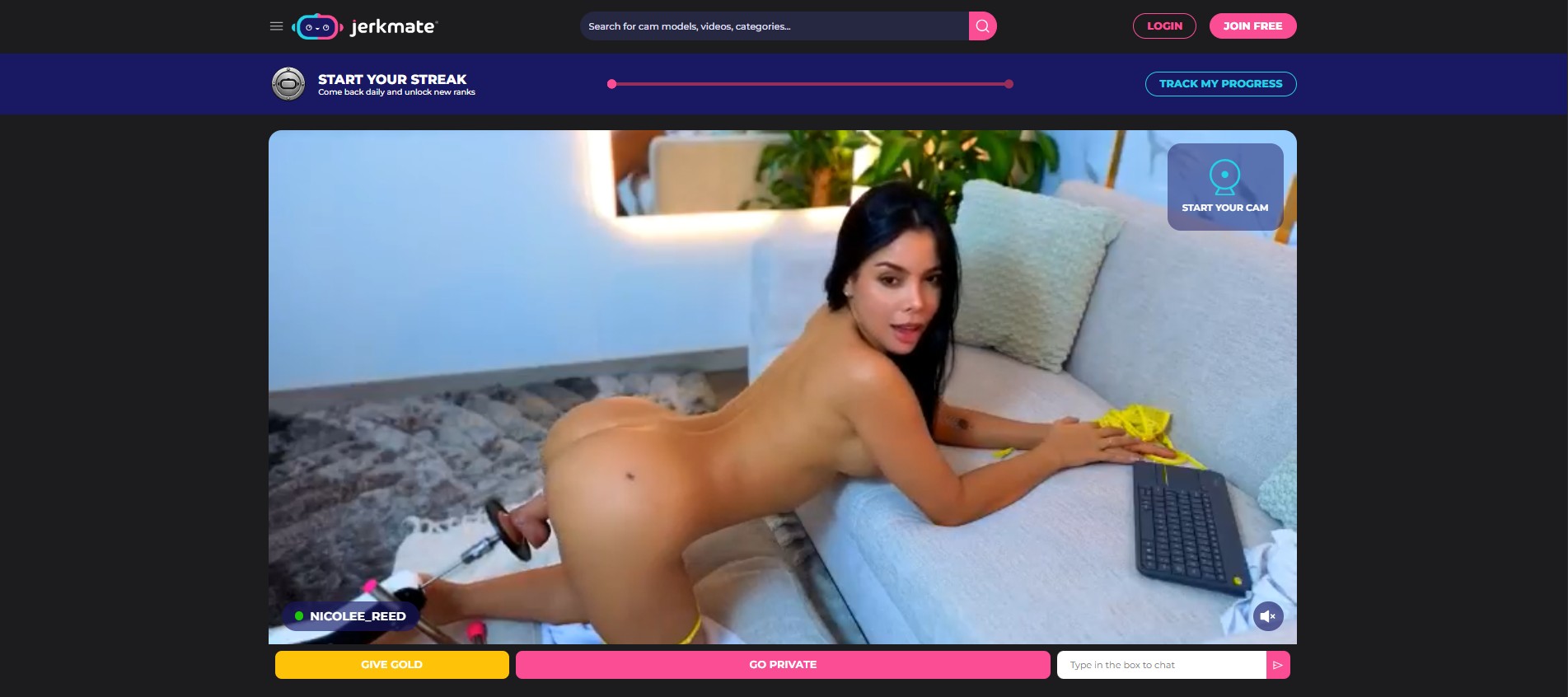
| Public rooms | Watch models who are currently streaming and see the interaction options available in their rooms |
| Private and Exclusive Shows | Paid show options for more direct interactions with a model |
| Gold Shows | Live shows that use Gold and have their own participation requirements |
| Cam 2 Cam | Lets you turn on your webcam during supported interactions so the model can see you too |
| Tips and Gold | Give Gold to models and use it for paid interactions that require Gold |
| Fan Clubs | Join a model's Fan Club where available |
| Photos and videos | Access additional photos and videos offered by models |
| Spin the Wheel | Randomly selects an available action from a model's wheel |
| Notifications | Turn on notifications to know when a model is online |
The main distinction for a beginner is between account access and Gold. Creating an account gives you a starting point for browsing and using the platform, while Gold is Jerkmate’s spendable virtual currency for tipping and paid experiences that require it.
You may also see Jerkmate use the term Premium for some paid features and interactions. Premium shouldn’t be confused with Gold itself, which is the virtual currency you purchase and spend.
Understanding Gold and Tipping on Jerkmate
Gold is Jerkmate’s virtual currency. One Gold equals $1 USD, and members use it for tips and interactive paid features.
Gold isn’t the same as creating an account or adding a payment method. Your account gives you access to the platform, while Gold is something you purchase and then spend when you choose to use a feature that requires it.
How Do You Buy Gold?
Jerkmate asks you to add a credit card when setting up your account. According to Jerkmate, the card is saved for future paid transactions, but adding it doesn’t purchase Gold.
When you choose to purchase Gold, the amount is added to your balance and can then be used on eligible paid features.
What Can You Use Gold For?
One of the most common uses for Gold is tipping models during live shows. Gold can also be used for interactive features and Gold Shows, with the applicable amount shown when you choose a paid interaction.
Prices and Gold requirements can vary by feature or model.
How Does Tipping Work?
When tipping is available in a model’s room, you choose how much Gold you want to give and send the tip using the tipping option. That amount is deducted from your Gold balance.
For example, a 5 Gold tip represents $5 USD based on Jerkmate’s 1 Gold = $1 rate.
A tip is separate from joining a paid show. Sending Gold to a model doesn’t automatically start a Private, Exclusive, or Gold Show; those options have their own access requirements and pricing.
Before confirming a Gold transaction, check the amount displayed on screen and whether you’re sending a tip or entering a separately priced interaction.
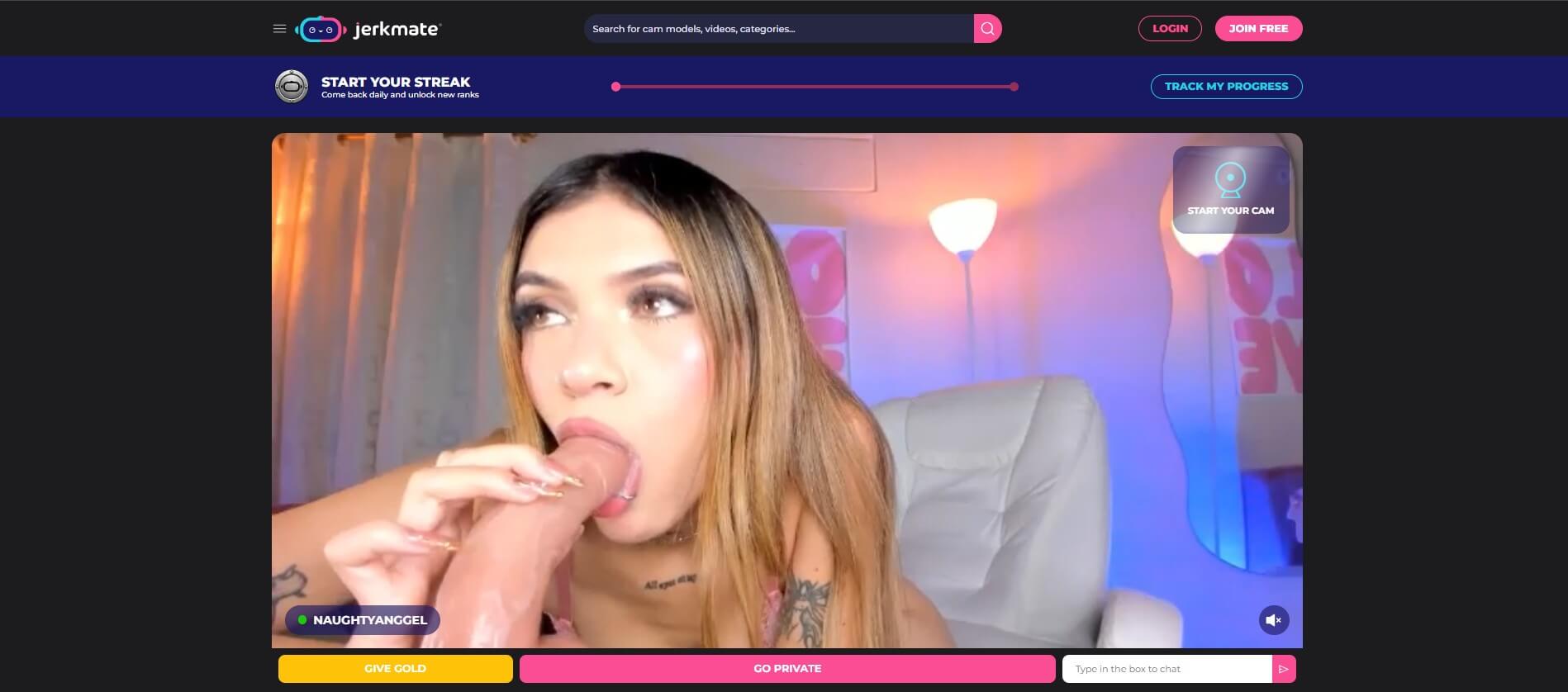
Public vs. Private vs. Exclusive vs. Gold Shows
| Show type | Who's there? | How it works |
|---|---|---|
| Public Room | Model and public-room viewers | Watch the live cam and use public chat without purchasing Gold |
| Private Show | Model and a smaller group of paying users | A paid session with fewer viewers than the public room |
| Exclusive Show | You and the model | A one-on-one paid session in a private room |
| Gold Show | Model and participating members | Members commit the required Gold to participate in the show |
Ready to see how the different show options work in practice?
Public Rooms
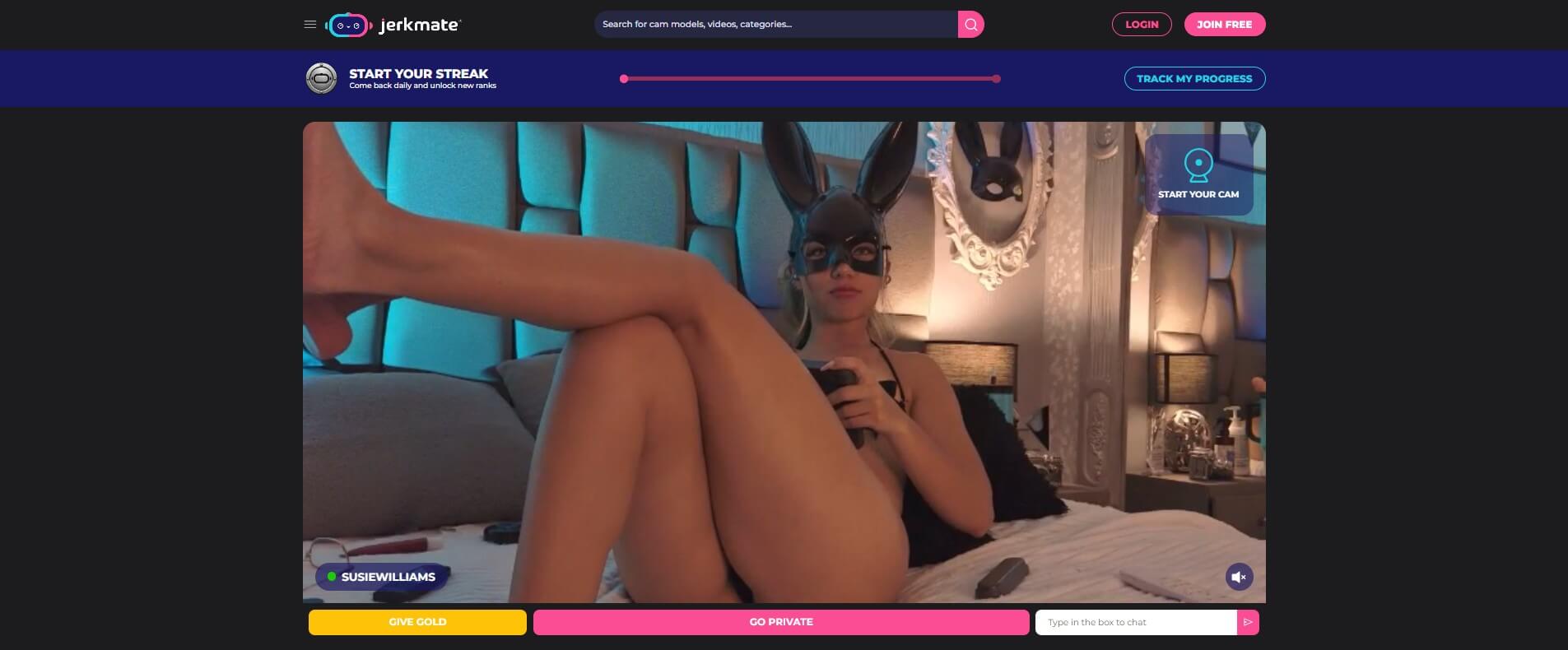
While you’re watching a public stream, you can see which interaction options the model offers and decide whether you want to tip, join a paid show, or keep watching.
Private Shows
In a Private Show, the model focuses on you and a smaller group of paying users rather than the full public room.
Pricing can depend on the model. Check the rate displayed before starting or joining a Private Show rather than assuming every model charges the same amount. Our What Is a Private Chat? guide covers this type of session in more detail.
Exclusive Shows
An Exclusive Show is a one-on-one paid session with just you and the model in a private room.
Unlike a Private Show, which can include a smaller group of paying viewers, an Exclusive Show doesn’t include other paying participants.
Check the displayed price and conditions before starting an Exclusive Show.
Gold Shows
A Gold Show is a group show that members join by committing Gold. The model sets the show’s details, including its timing, target, and admission requirements.
If you commit the required Gold, you’re added to the show when it starts according to the conditions displayed for that Gold Show.
A Gold Show is different from sending a tip. A tip gives Gold to a model during a stream, while Gold committed to a Gold Show is tied to participation in that show. See [What Are Gold and Gold Shows on Jerkmate?] for the full mechanics.
Where Does Cam 2 Cam Fit In?
Cam 2 Cam isn’t a separate type of show. It’s an optional feature available during supported interactions that lets you turn on your webcam so the model can see you too.
You control whether your camera is on or off. If you don’t want the model to see you, you don’t need to enable Cam 2 Cam. Our [Cam-to-Cam on Jerkmate: What Is It?] guide explains the feature separately.
How to Find Models on Jerkmate
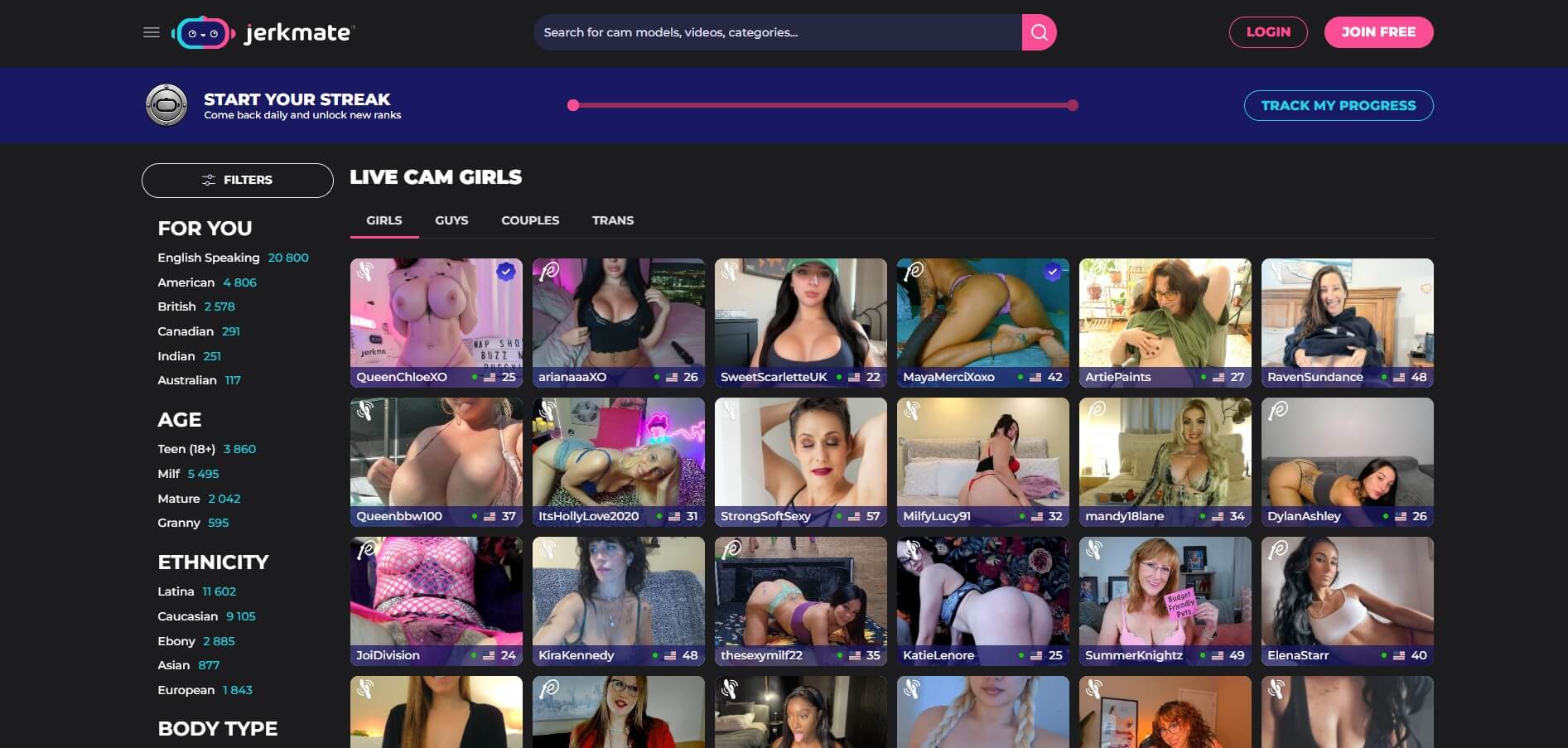
Jerkmate lets you browse performers who are live, search for a specific model, explore categories, and use filters to narrow the selection.
Browse Models Who Are Live
The live listings show performers who are currently online. Because models go online and offline throughout the day, the available selection changes depending on when you visit.
Opening a model’s room or profile gives you more information before you decide whether to interact. Model profiles can include an About This Model section as well as options such as Fan Club membership, private messaging, and online notifications where available.
Search and Browse Categories
If you already know a model’s name, you can use Search to find their profile.
For broader browsing, Jerkmate organizes performers into categories, including women, men, couples, and trans models, with more specific categories available for different interests.
Refine the Listings With Filters
Jerkmate also provides filters for characteristics and preferences including body type, ethnicity, hair, age, orientation, and interests.
These filters reduce the number of performers shown without requiring you to browse the full live selection.
Set Your Preferences
You can set preferences when creating or configuring your account. Jerkmate uses this information when presenting models to you.
This is separate from applying filters while browsing: filters narrow the results you’re looking at, while account preferences provide Jerkmate with information about the types of performers you’re interested in.
Once you’ve found a model, open their profile or live room to check whether they’re online and see the options currently available.
Use Jerkmate's categories and preferences to discover models that match your interests.
Cam Show Etiquette on Jerkmate
Models can have their own rules and limits, so check the room information and available options before making a request.
Respect the Model’s Rules and Boundaries
If a request isn’t offered or the model says no, don’t keep asking.
The same applies to paid interactions. Sending a tip doesn’t mean a model has agreed to every request, and joining a Private or Exclusive Show doesn’t remove their boundaries.
Don’t Spam the Public Chat
Public chat is shared with other viewers. Avoid repeatedly posting the same message, flooding the chat, or pressuring the model for attention.
If the model provides instructions for requests, tips, or interactive features, follow the options shown in their room rather than assuming every room works the same way.
Don't Record or Redistribute Shows
Don’t record, capture, or redistribute a model’s live show or paid content.
Privacy and Safety on Jerkmate
Jerkmate describes several security and verification measures on its platform, but you should still take basic precautions with your account and personal information.
Protect Your Account
Use a strong, unique password for your Jerkmate account, especially if you register with an email address and password rather than Google.
Avoid reusing a password from your email, banking, or other important accounts. If someone gains access to one reused password, they may be able to try it elsewhere.
Keep Personal Information Out of Chats
You don’t need to share your real name, home address, phone number, workplace, or other identifying information with models or other users.
A username or pseudonym can help keep your Jerkmate activity separate from your everyday identity. Be careful with details that may seem harmless on their own but could identify you when combined.
Be Careful With External Links and Downloads
Be cautious if someone asks you to follow an external link, download a file, or move an interaction away from Jerkmate.
Don’t enter your Jerkmate password or payment information on third-party pages reached through messages or chat. If you need to manage your account or make a payment, use Jerkmate’s own account and payment interface.
What Safety Measures Does Jerkmate Use?
According to Jerkmate, the platform is powered by Streamate, uses systems designed to protect user accounts and process payments securely, and requires performers to go through age verification and an approval process before appearing on the platform.
Jerkmate also states that payment processing is handled by third-party payment providers. These are platform claims rather than a reason to ignore normal account and privacy precautions.
Check Your Camera Before Using Cam 2 Cam
Cam 2 Cam is optional, so you don’t have to turn on your webcam to use Jerkmate.
If you do enable it, check what your camera shows first. Your face isn’t the only thing that can reveal personal information; objects, documents, photos, screens, or other details visible in the background may identify you or reveal information you didn’t intend to share.
Consider Privacy on Your Device
If you share your phone or computer with someone else, consider using private browsing and signing out when you’re finished.
Private browsing can limit browsing history and other information stored locally by the browser, but it doesn’t make your activity anonymous online.
Frequently Asked Questions About Jerkmate
Can You Use Jerkmate Without Buying Gold?
Does Jerkmate Charge You When You Add a Credit Card?
What's the Difference Between Gold and Premium on Jerkmate?
What's the Difference Between a Private and Exclusive Show?
Do I Have to Turn On My Camera on Jerkmate?
Is Jerkmate Safe?
-
 Everything to know about the top 10 camgirls on Jerkmate!
is a sexy, fit, smooth-skinned camgirl who’s always open to new sexual adventures. She has […]
-
 The Boom of Adult Cams Amid Covid-19 Lockdowns
The world of online camming has seen a surge in popularity due to strict lockdown […]
-
 Beginner Guide How to Become A Money Making Cam Girl
Becoming a successful webcam model can be a rewarding endeavor, but it’s important to approach […]